
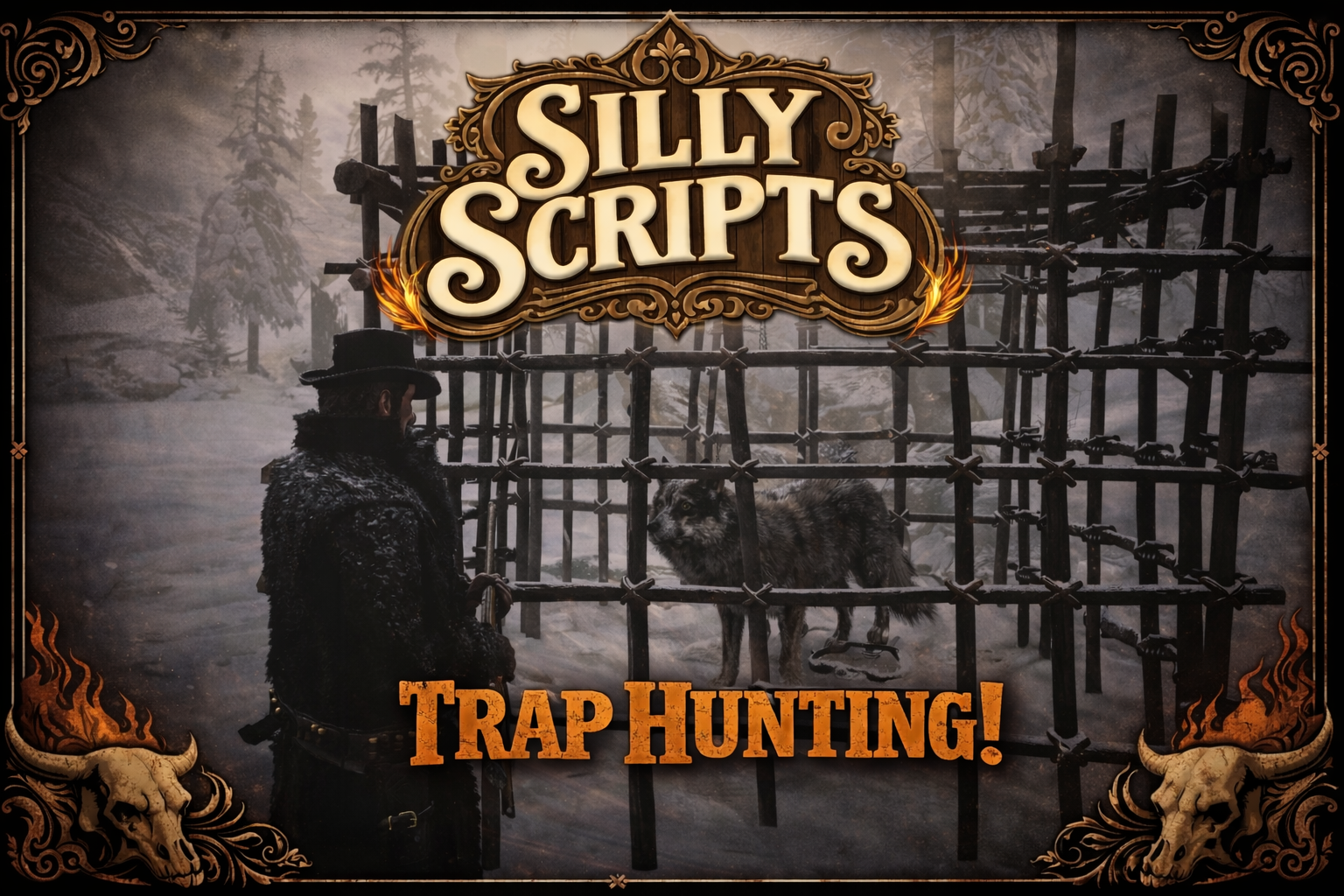
Silly_Hunt 🪤🐺
A lightweight hunting cage system for RedM. Build a cage, place bait inside, activate it with a trap, and after a random delay animals will spawn inside the cage based on the bait you used. Removing the cage can also trigger a dangerous nearby spawn for extra risk/reward.
Preview: Video
Key Features ⭐
- 🧰 Build & remove a hunting cage via usable items
- 🥩🌿 Bait system: bait is visually placed as a prop inside the cage
- 🪤 Activation item: spawns a bear trap inside the cage
- 🐾 Animal pools per bait (fixed
countor randommin/max) - ⏱️ Random spawn delay (min/max seconds)
- 🚫🏙️ Blocked city/zones with radius checks
- ⚔️ Optional “remove spawn”: chance-based hostile animals spawning nearby on cage removal
Dependencies 🔧
- VORP or RSGCore (auto-detected at runtime)
-
oxmysql(for auto item setup)
Installation 📦
- Drop this resource into your server resources folder.
- Ensure it in your server config:
-
ensure Silly_Hunt
-
- Configure item names + animal pools in
config.lua. - Make sure your inventory contains the configured items.
How To Use 🎮
- Build the cage using the configured build item.
- Place bait (one bait per cage).
- Activate the cage using the configured activation item (spawns trap + starts animal spawn timer).
- Remove the cage using the configured remove tool.
Configuration ⚙️ (config.lua)
Items
Config.Items = {
  buildCage    = "nativecage",  -- build cage
  removeCage   = "ironhammer",  -- remove cage
  activateCage = "beartrap"     -- activate cage (animal spawn)
}
Cage Settings
Config.CageProp        = "p_prisoncage01x" -- cage prop model
Config.SpawnDistance   = 2.0                -- distance in front of player
Config.ZOffset         = -1.0               -- vertical offset when spawning
Config.MaxActiveCages  = 1                  -- max cages per player
Config.RemoveItem      = true               -- consume items when used

-- If true: returns the activation trap item when removing the cage.
-- Note: only applies if Config.RemoveItem = true.
Config.ReturnTrapOnCageRemove = false
Bait Props (placed inside the cage)
Define which inventory items count as bait and which prop they place:
Config.CageItems = {
  ["Tierfuttermett"] = { prop = "p_cs_trkybreastmeat01x", zOffset = 0.3 },
  ["Wild_Feverfew"]  = { prop = "humbirdsage_p",          zOffset = 0.3 },
  ["Wild_Mint"]      = { prop = "crp_broccoli_aa_sim",     zOffset = 0.3 },
  ["primemeat"]      = { prop = "p_pigroast",              zOffset = 0.3 }
}
Animals Spawned Inside the Cage (after activation)
Per bait item you can configure one or more animal options. Each option supports either:
- fixed:
count = 1 - random:
min = 1, max = 3
Config.CageAnimals = {
  ["primemeat"] = {
    { model = "a_c_cougar_01",    count = 1 },
    { model = "a_c_panther_01",   count = 1 },
    { model = "a_c_bearblack_01", count = 1 }
  },

  ["Tierfuttermett"] = {
    { model = "a_c_wolf",  min = 1, max = 2 },
    { model = "a_c_fox_01", min = 1, max = 4 }
  }
}
Animal Spawn Delay (seconds)
Config.AnimalSpawnTime = {
  min = 10,
  max = 30
}
Interaction Distance
Config.CageInteractDistance = 3.0
Blocked Zones (cities)
Config.BlockedCageZones = {
  { name = "Valentine",   coords = vector3(-308.3, 806.9, 118.9), radius = 350.0 },
  { name = "Blackwater",  coords = vector3(-875.3, -1327.5, 43.9), radius = 450.0 },
  { name = "Saint Denis", coords = vector3(2513.1, -1308.6, 48.9), radius = 600.0 }
}
“Remove Spawn” (chance-based animals when removing the cage)
On cage removal one entry is chosen based on chance.
Config.RemoveAnimalSpawns = {
  { model = "a_c_wolf",      chance = 80, min = 2, max = 4 },
  { model = "a_c_cougar_01", chance = 10, count = 1 },
  { model = "a_c_bear_01",   chance = 10, count = 1 }
}

Config.RemoveAnimalSpawnRadius = {
  min = 25.0,
  max = 40.0
}
Texts / Notifications
Config.Texts = {
  maxCagesReached  = "You already placed the maximum number of cages.",
  needTriggerItem  = "You must activate the cage first.",
  baitAlreadyPlaced = "You already placed bait.",
  trapAlreadyPlaced = "You already placed a trap."
}

Config.TextDuration = {
  short = 3000,
  medium = 4000
}
Notes 📝
- This resource expects your inventory to provide the configured items.
- If you use blocked zones, make sure your notification text for “blocked city” exists in your setup (the client triggers a city-block message).
