
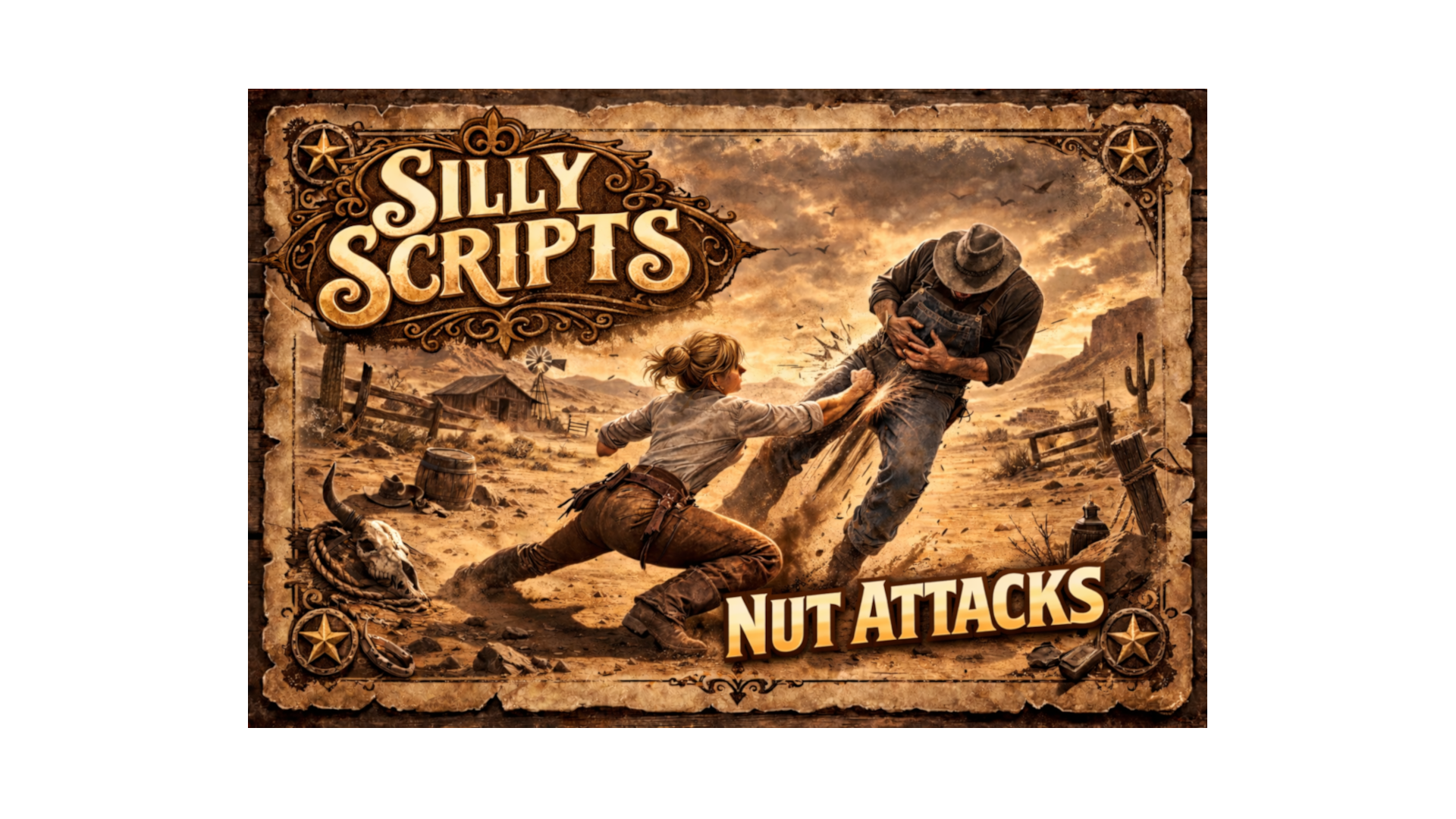
🥜 Silly Nut Attacks – Punch / Kick Animations (RedM)
A small, fun resource that lets players perform configurable punch/kick animations which ragdoll NPCs and (optionally) other players. Lightweight, client + server logic, easy to configure via config.lua.
Preview: Video
✨ Features
-
🥊 Multiple configurable animations (dict + name)
-
👣 Range & cooldown per animation
-
🪢 NPC ragdoll + optional force (velocity + ApplyForceToEntity)
-
🌐 Syncs player-to-player kicks via server event
-
⚡ Lightweight — no DB required
-
🔧 Easy to customize in
config.lua
✅ Dependencies
-
RedM
-
Works standalone. Can be integrated with VORP / RSGCore if you adapt notifications/items.
📦 Installation
- Place
Silly_Nutattacksin your serverresourcesfolder. - Add to your
server.cfg:
ensure Silly_Nutattacks
- Configure animations and values in
config.lua.
⚙️ Configuration (config.lua)
Each animation is defined under Config.Animations with the following fields:
-
command— chat/console command to trigger (e.g.ballpunch) -
dict— animation dictionary -
anim— animation name -
range— max distance to target -
cooldown— seconds between uses -
ragdollTime— ragdoll duration in ms -
force— table:enabled(bool),power(float),upForce(float)
Example:
Config.Animations = {
  ballpunch = {
    command = "ballpunch",
    dict = "mech_melee@...",
    anim = "att_grounded_right_hook_dist_close_v1",
    range = 2.0,
    cooldown = 5,
    ragdollTime = 3000,
    force = { enabled = false, power = 6.0, upForce = 0.5 }
  }
}
🎮 How it works
- Player runs the configured command (e.g.
/ballpunch). - Client finds the nearest ped within
range. - If target is NPC → local animation + ragdoll + optional force.
- If target is player → client triggers
syncAnimationKickon the server. - Server validates and forwards
playSyncedKickto clients so everyone sees the animation; the actual target client applies ragdoll/force.
🧪 Testing / Debug
- Restart the resource in your fxserver console:
restart Silly_Nutattacks
- Use one of the commands from
config.luain-game (e.g./ballpunch) and test against NPCs and another player.
