
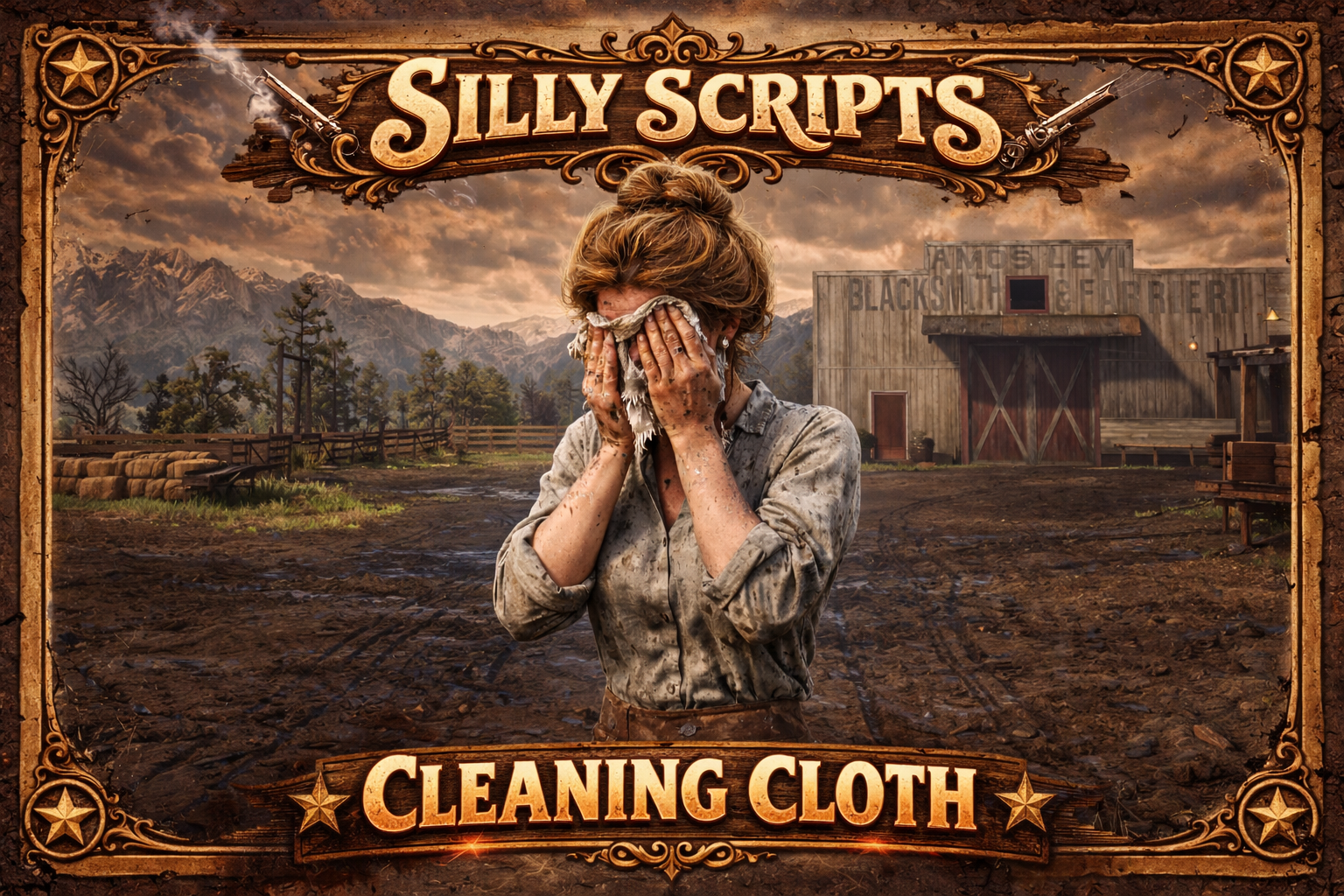
🧹 Silly Clean – Cleaning System (RedM)
A lightweight cleaning system for RedM. Players use a configurable inventory item to clean themselves — removes all dirt, blood, and damage decals with a smooth animation.
Preview: Video
✨ Features
-
🧼 Full cleaning: removes dirt, blood, and all damage decals
-
🧰 Usable item: triggered via inventory item (configurable)
-
🔄 Item consumption: optional item removal on use
-
🎭 Custom animation: configurable dict, name, duration & flag
-
🔔 Success notification: configurable text & duration
-
🔒 Safe animation: player is frozen during animation
-
🛡️ Timeout protection: anim dict loading with timeout
-
🗄️ Auto DB setup: item auto-created in database
-
🌐 Multi-Framework: VORP + RSGCore (auto-detected)
✅ Dependencies
-
RedM
-
VORP Core or RSGCore (auto-detected at runtime)
-
oxmysql(for auto item setup)
📦 Installation
-
Place
Silly_Cleanin your server resources folder. -
Ensure it in your
server.cfg:ensure Silly_Clean
-
Configure item name, animation, and messages in
config.lua. -
The item will be auto-created in the database on first start.
⚙️ Configuration (config.lua)
Item
-
Config.ItemName— inventory item name (e.g."Kutschenreinigungstuch") -
Config.RemoveItem— consume item on use (true/false)
Animation
-
Config.Animation.Dict— animation dictionary -
Config.Animation.Name— animation name -
Config.Animation.Duration— duration in ms -
Config.Animation.Flag— animation flag
Notification
-
Config.Notification.Text— success message text -
Config.Notification.Duration— duration in ms
🌐 Multi-Framework Support
Silly Clean automatically detects whether your server runs VORP or RSGCore and uses the correct API calls. No manual configuration needed.
| Feature | VORP | RSGCore |
| ------------- | ----------------------------------- | ------------------------------------- |
| Usable Item | vorp_inventory:registerUsableItem | RSGCore.Functions.CreateUseableItem |
| Remove Item | vorp_inventory:subItem | Player.Functions.RemoveItem |
| Notifications | vorp:TipBottom | RSGCore:Notify |
| DB Item Table | items / vorp_items | items |
🎮 How It Works
- Player uses the configured item
- Cleaning animation plays (player is frozen)
- All dirt, blood, and damage decals are removed
- Player is unfrozen and gets a notification
