
[PAID] Silly Signal Pistol – Signal Flare System for RedM 🚀🔴
Preview: Video
📌 Description
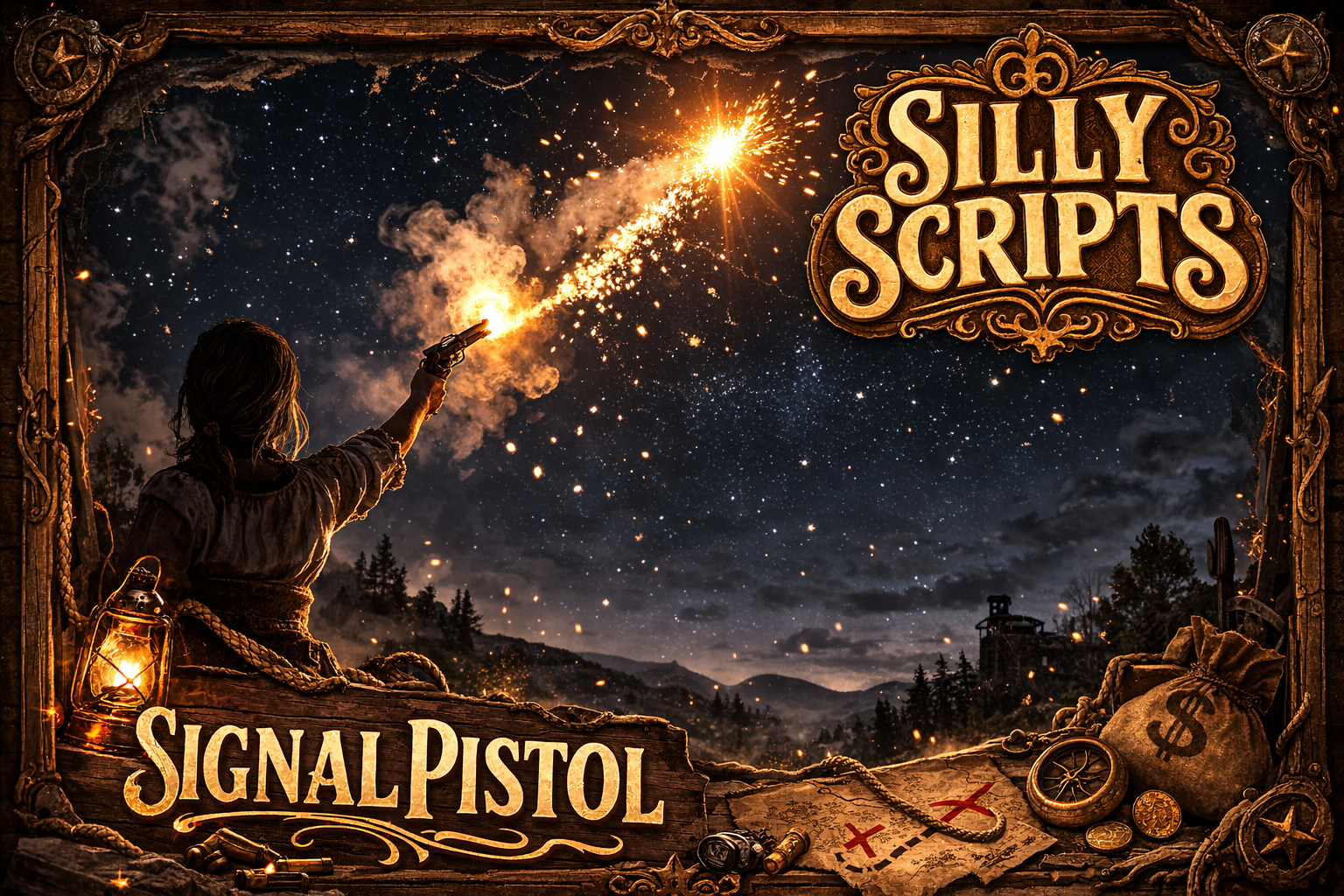
Silly Firework is a signal flare system for RedM. Equip the Volcanic Pistol, hold your aim, and fire — the flare launches forward with a glowing smoke trail, then bursts into a firework explosion at the end of its flight. Every shot is synced to all nearby players in real time.
The item is checked server-side before firing — no item, no shot.
Built for VORP or RSGCore (auto-detected).
✨ Features
-
🔫 Weapon-bound — only activates when holding the configured weapon (default: Volcanic Pistol)
-
🎯 Aim-to-fire — hold prompt only while aiming, no accidental shots
-
🚀 Physics projectile — flies in exact aim direction with configurable speed
-
🌊 Smoke trail PTFX — glowing particle trail during flight
-
💥 Burst explosion — configurable firework PTFX at peak
-
💡 Flying light source — warm orange-yellow light attached to the flare
-
🎒 Item check —
Signalmunitionconsumed per shot, server-authoritative -
🌐 Fully synced — all nearby players see the flare via OneSync
-
⏱️ Cooldown — configurable delay between shots
-
⚡ Optimized — assets preloaded the moment the weapon is drawn
-
🔌 VORP & RSGCore — auto-detected framework bridge
🎮 How It Works
-
Have
Signalmunitionin your inventory - Equip the Volcanic Pistol → assets preload instantly
- Hold aim → fire prompt appears
- Hold the prompt → flare launches with glowing trail
- After ~2.5 s → firework burst at the top of the arc
- Shot consumed server-side — no ammo, no shot
🔧 Installation
- Place
Silly_Fireworkin your resources folder - Add to your
server.cfg:
ensure Silly_Firework
- Add the
Signalmunitionitem to your inventory database - Configure weapon, item name, PTFX, and flight settings in
config.lua
⚙️ Configuration
Everything in config.lua:
-
Config.AllowedWeapons— which weapons trigger the system -
Config.RequiredItem— inventory item consumed per shot -
Config.RemoveItemOnUse— whether to actually consume the item -
Config.Cooldown— milliseconds between shots -
Config.Flight.Speed— projectile speed in m/s -
Config.Flight.Duration— flight time in ms before burst -
Config.Flight.TrailPtfx— particle dict/name/scale for the trail -
Config.Flight.ExplosionPtfx— particle dict/name/scale for the burst -
Config.Flight.Light— RGB, range and intensity of the flying light
