
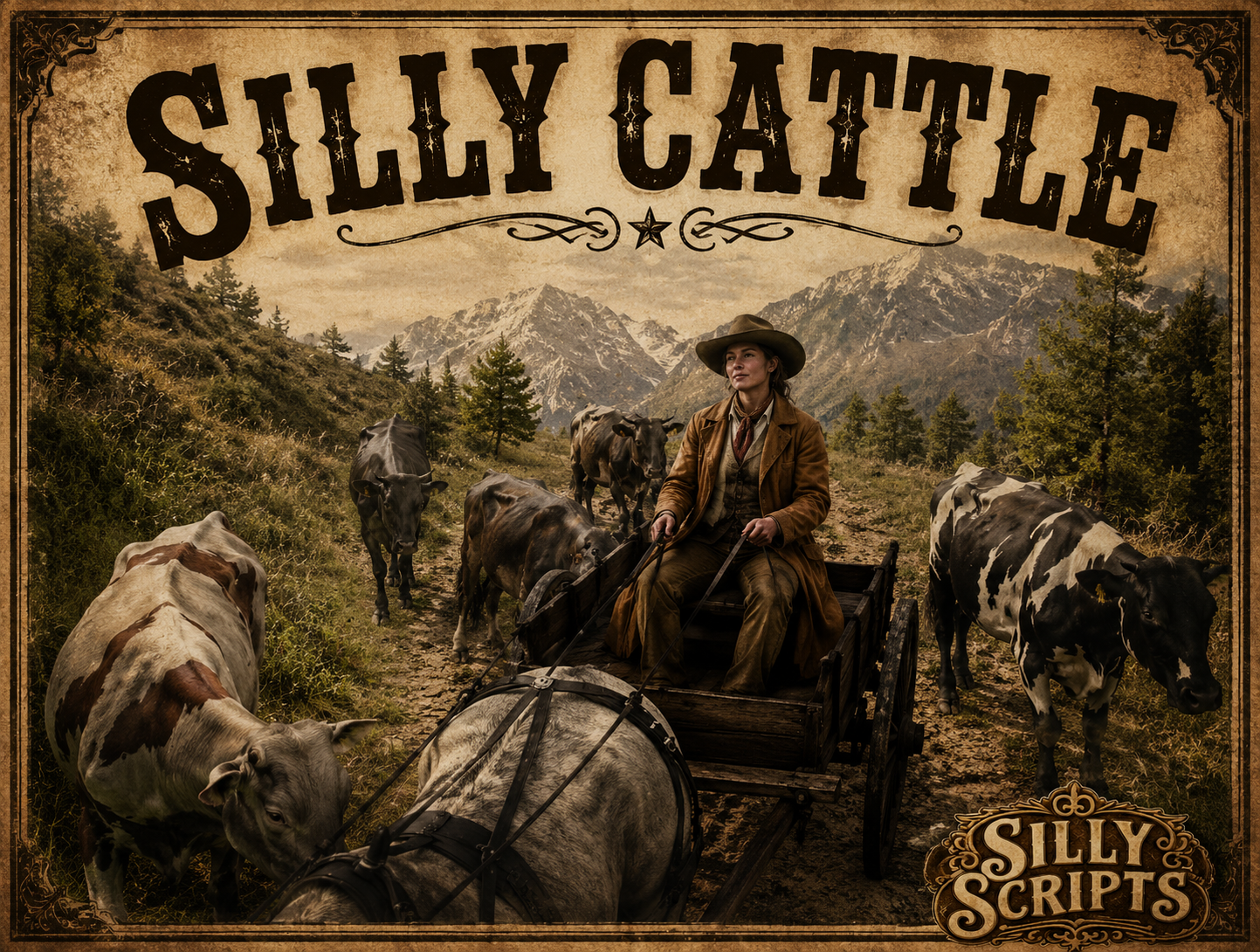
🐄 Silly Cattle – Herding & Selling System (RedM / VORP / RSGCore)
A complete herding loop for RedM. Use a herd item near the herd farm, drive your cows / sheep / goats / pigs to a market, and sell them for cash + meat / wool / milk. Keep an eye on the horizon — wolf packs may come for your livestock.
✨ Features
- 🐄 4 herd types by default: cows, sheep, goats, pigs (fully configurable)
- 🛒 Use a herd item near the farm → animals spawn, follow you in formation, and a route appears on the map
- 🗺️ Random sell point out of a configurable list
- 💰 Per-animal reward — money + multiple item drops, scaled by how many animals you deliver
- 🐺 Wolf pack event — random pack spawns to attack your herd / you (config: size, radius, timing, targets)
- ⏱️ Herd lifetime timer — herd despawns after X seconds if not delivered (with on-screen countdown)
- 🚪 Sell prompt with
[G]press, server-validated ownership before payout - 🧹 Cleanup — leftover animals are wiped on resource start/stop, character switch and respawn
- 🔁 Cooldown per herd item to prevent spam
- 🌐 Multi-Framework: VORP or RSGCore (auto-detected)
- 📦 Escrow-friendly:
config.luais ignored by escrow so you can fully tweak it
✅ Dependencies
- RedM
- VORP Core or RSGCore (auto-detected)
- VORP Inventory (when using VORP) / RSGCore inventory (when using RSGCore)
📦 Installation
-
Place
Silly_Cattlein your server resources folder. -
Ensure it in your
server.cfg:ensure Silly_Cattle -
Add the herd items to your inventory database (
cowherd,goatherd,sheepherd,pigherdby default — names can be changed inconfig.lua). -
Adjust farm coordinates, sell points, rewards and wolf pack settings in
config.lua.
⚙️ Configuration (config.lua)
Framework
-
Config.Framework—'auto'/'vorp'/'rsgcore'/'standalone' -
Config.RewardAccount— VORP:money/gold/rol— RSGCore:cash/bank
Herd setup
-
Config.Herds— table of herds:{ label, model, coords }(key = item name) -
Config.AnimalAmount— number of animals spawned per use -
Config.SpawnDistance/Config.FollowDistance— formation around the player -
Config.UseRadius— how close to the farm coords the player must be -
Config.CooldownSeconds— per-item cooldown -
Config.HerdLifetime— seconds before the herd runs off if not delivered
Sell
-
Config.SellPoints— list ofvector3drop-off coordinates (random one is picked) -
Config.SellRadius— radius for the sell prompt -
Config.Rewards[itemName] = { money = 60, items = { { name = "beef", amount = 2 }, ... } }
Wolf pack event
-
Config.WolfPack.Enabled -
Config.WolfPack.SpawnTimeMin/SpawnTimeMax(minutes after herding starts) -
Config.WolfPack.SpawnRadius,PackSize,Model -
Config.WolfPack.AttackPlayer/AttackAnimals -
Config.WolfPack.DeleteOnHerdEnd
🎮 In-Game Flow
- Player buys a herd item (e.g.
cowherd) and stands near the farm coords. - They use the item → animals spawn and follow them.
- A blip + GPS route shows the random sell point.
- (Optional) A wolf pack attacks the herd somewhere along the way.
- Player reaches the sell point → press [G] to deliver.
- Server validates the herd, removes the animals, and pays out money + items based on how many animals survived.
🌐 Multi-Framework Support
| Feature | VORP | RSGCore |
|---|---|---|
| Usable item | ✅ vorp_inventory:registerUsableItem | ✅ RSGCore.Functions.CreateUseableItem |
| Remove / add item | ✅ vorp_inventory:subItem/addItem | ✅ Player.Functions.RemoveItem/AddItem |
| Money | ✅ Character.addCurrency | ✅ Player.Functions.AddMoney |
| Notifications | ✅ vorp:TipBottom | ✅ RSGCore:Notify |
📝 Notes
- All triggers use the
silly_cattle:*namespace so it can run side-by-side with other Silly resources without conflicts. - Server-side validation: only the player who started the herd can sell it, amount is capped at
Config.AnimalAmount, money/items are based on delivered animals. - The resource is fully escrow-friendly —
config.luais in theescrow_ignorelist offxmanifest.lua.
