
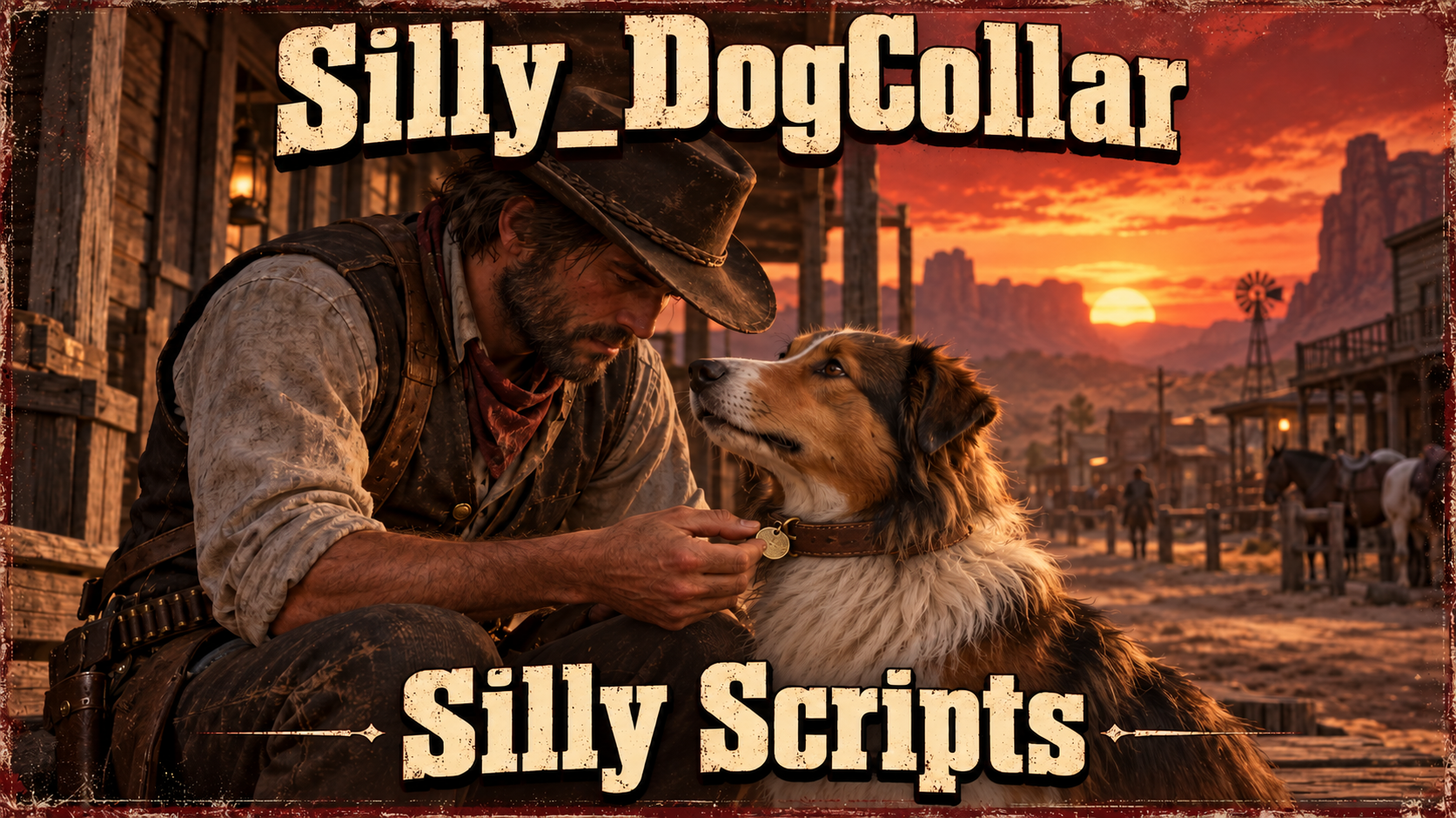
Silly DogCollar – Animal Character Name Tag for RedM (VORP / RSGCore) 🐕
📌 Description
Silly DogCollar gives animal players a way to introduce themselves through a collar-tag panel. Show your VORP or RSGCore character name to the nearest player, or choose a nearby player by server ID. Both players see the tag for a configurable period.
The included collar artwork is displayed as a NUI overlay. No inventory item or wearable prop is required.
An auto-detected VORP / RSGCore bridge and DE / EN interaction texts make the tag easy to fit into your animal roleplay.
✨ Features
- 🏷️ VORP / RSGCore character name — choose first name, last name or both.
- 🐾 Animal-player interaction — optional model allowlist.
- 👥 Recipient selection — nearest nearby player or explicit server ID.
- 📏 Range checks — default sharing distance 5 m.
- ⏱️ Server cooldown — default 10 seconds per sender.
- 🖼️ Included collar panel — name text wraps and resizes to fit the artwork.
- 🧪 Debug preview command — enable debug mode to check the display without sending it to someone else.
- 🚪 Timed display — automatic hide after 10 seconds by default.
- 🛡️ Sharing checks — server checks recipient, proximity, routing bucket and active character data.
- 🌐 Multi-Framework — automatically detect VORP or RSGCore, or select one in config.
- 🌍 Multi-Language (DE / EN) — interaction messages and the unnamed-tag fallback are translated.
🎮 How It Works
- Player uses an animal ped through an existing ped system.
- Stand within 5 m of another player.
- Enter
/halsband, or/halsband 12for a specific nearby recipient (replace12with their server ID). - The server reads the configured name fields from the sender's active VORP or RSGCore character.
- Both players see the collar tag until the display timer expires.
With Config.Debug = true, /halsbandtest opens a local preview with a sample name. The default tag displays the character's last name.
🔧 Installation
-
Place the inner
Silly_DogCollarfolder containingfxmanifest.luain your resources directory. -
Keep the included
htmlfolder and collar image in place. -
Start the selected VORP or RSGCore framework and its matching inventory before the resource; make ox_lib available for RSGCore notifications:
ensure Silly_DogCollar -
Adjust framework, language, name fields, commands, animal models and timing in
config.lua; edit the message packs inconfiglang.luaif needed. -
Enable
Config.Debugto use/halsbandtest, then try normal sharing as an animal near another player.
📦 Dependencies
| Dependency | Required | |---|---| | RedM | ✅ | | Server-visible player peds and positions | ✅ for recipient range checks | | VORP Core or RSGCore | ✅ one of them | | VORP Inventory or RSG Inventory | ✅ matching the selected framework | | ox_lib | ✅ for RSGCore notifications | | A way to play as an animal ped | ✅ for normal sharing | | Collar item / separate pet-name database | ❌ |
Server range checks rely on server-visible player/entity state (OneSync/state awareness).
🌐 Framework & Language Support
The character-name bridge supports VORP and RSGCore, with automatic detection through Config.Framework = 'auto'. Auto mode prefers VORP when both cores are running; select 'vorp' or 'rsgcore' to choose explicitly. Run the matching framework inventory alongside the core.
German and English interaction messages and unnamed-tag fallback text are included. Choose Config.Language = 'DE' or 'EN'; German is the default. The NUI receives the selected text pack, and Config.Text can override individual messages.
⚙️ Configuration
-
Config.Framework/Config.Language— framework selection and DE / EN texts. -
Config.Command/Config.TestCommand— sharing and local preview commands. -
Config.Range— recipient range in metres; default 5. -
Config.DisplayTime— panel duration in milliseconds; default 10000. -
Config.Cooldown— sharing cooldown in seconds; default 10. -
Config.ShowFirstname/Config.ShowLastname— character-name fields. -
Config.AnimalModels/Config.AllowedModels— eligible animal models and an optional narrower allowlist. -
Config.Text— interaction messages and unnamed-name fallback. -
Config.Debug— diagnostic logging and local preview command; disabled by default.
The display uses the active VORP / RSGCore character name and contains no separate pet-name database.
:writing_hand: Come Join our Discord
🔗 Download
| | | |---|---| | Code is accessible | Lua source, configuration and HTML are included in the current resource | | Subscription-based | See store listing | | Lines (approximately) | ~1461 active Lua lines, including config, locales and bridge; excludes manifest and HTML | | Requirements | RedM + VORP or RSGCore + matching inventory + an animal player ped; ox_lib for RSGCore notifications | | Support | Yes |
