
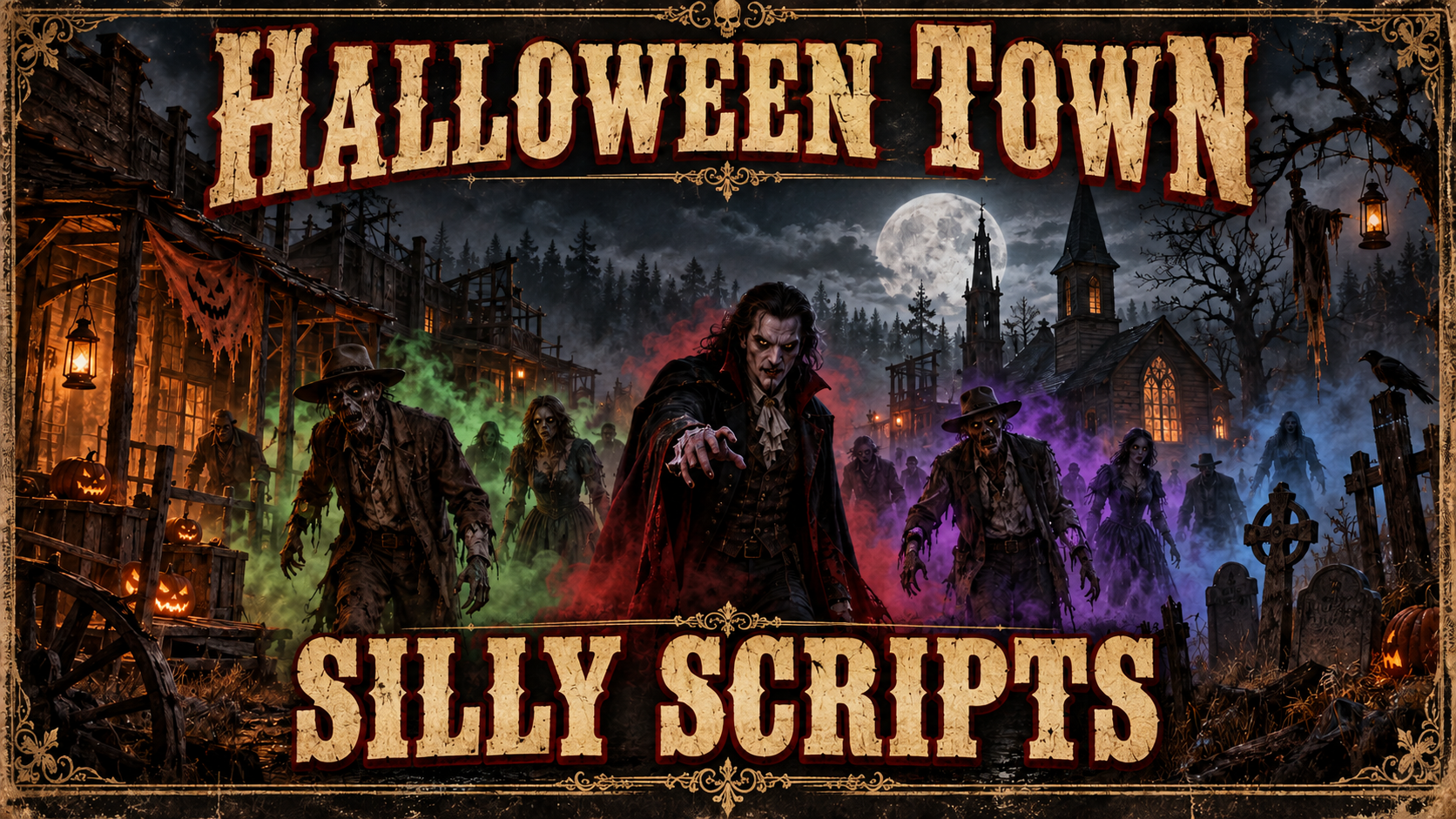
Silly Halloween Town – Smoke, Fog & Hostile Encounters (RedM / Standalone) 🎃👻
📌 Description
Silly Halloween Town gives Limpany's ghost-town reputation a sinister Halloween twist and hides living-dead encounters at other configured locations. Players approach a center, watch colored smoke build across the area, and face an eerie lineup as local fog closes in. Some human enemies can even carry a knife, hatchet or machete.
The resource runs standalone and independently of your framework, with six configured locations, independent cooldowns and a shared encounter state so each center creates one networked group at a time. It can run alongside VORP or RSGCore without a framework bridge, inventory items or database setup.
✨ Features
- 📍 6 default encounter centers, expandable through configuration.
- 👣 20 m proximity trigger for available centers.
- 🌫️ Colored smoke bursts at 7 configurable emission points.
- 🌁 Local area fog with configurable radius, strength and duration; fades toward the edge of each encounter area.
- ⏳ 20-second buildup before the spawn sequence begins.
- 👻 16 model entries in the default lineup, including eerie characters and a wolf.
- 🙏 Kneeling intro for compatible models, followed by combat.
- ⚔️ 100 m target search around each hostile ped.
- 🔪 Rare armed enemies — up to 2 human NPCs can receive a knife, hatchet or machete, with an 8% chance per eligible NPC by default.
- 🔁 30-minute cooldown per center with automatic reset and cleanup.
- 🛡️ One designated spawn controller per encounter and shared server state.
- 🧹 Encounter-specific cleanup through the server registry for the resource's registered NPCs.
- 🧰 ACE-protected admin start/reset commands, including reset of all centers.
- 🌐 Standalone RedM resource — no framework, inventory or database required.
- 📦 Open configuration —
config.luais listed inescrow_ignore.
🌐 Framework Compatibility
Framework-independent: use it on a standalone RedM server or alongside VORP / RSGCore. Encounter triggers, fog, NPCs and admin commands use RedM directly.
Gameplay has no regular on-screen messages or locale selector. Locations, models, effects, timings and command names are configurable in config.lua.
🎮 How It Works
- A player enters the activation distance around an idle center.
- The server starts that center's encounter and cooldown, and clients display colored smoke.
- After the configured delay, local area fog begins and one player creates the networked model lineup around the center.
- Compatible peds kneel, then surviving peds begin attacking nearby living players; a small number of human enemies may be armed.
- The center resets and cleans up remaining peds when its cooldown ends, becoming available again.
🔧 Installation
-
Place the
Silly_HalloweenTownresource folder containingfxmanifest.luain your server resources. -
Add to
server.cfg:ensure Silly_HalloweenTown -
Enable OneSync and set centers, models, smoke points, area fog, armed enemies and timings in
config.lua. -
Enable in-game admin controls for an existing admin group:
add_ace group.admin silly.halloween.admin allow -
Enter an activation zone or use
/halloweenstart 1. Debug output is disabled by default.
📦 Dependencies
| Dependency | Required | |---|---| | RedM + OneSync | ✅ | | Framework | Not needed | | Inventory / database | Not needed |
⚙️ Highlights from config.lua
-
Config.Centers,Config.ActivationDistance— encounter positions and trigger distance. -
Config.SpawnDelay,Config.KneelDuration,Config.Cooldown— timing in milliseconds. -
Config.Models,Config.SpawnRadius,Config.AttackRadius— lineup and combat setup. The default spawn ring is 24 m (80% of the configured 30 m placement value). -
Config.Fog— toggle, scale, duration, interval and individually colored emission points. -
Config.AreaFog— local fog toggle, radius, edge fade, strength, timecycle modifier and maximum duration. Defaults to a 50 m area and up to 10 minutes. -
Config.MeleeZombies— armed enemy toggle, chance, maximum number per encounter and weapon pool. -
Config.AdminStartCommand,Config.AdminResetCommand— command names. -
Config.Debug— encounter diagnostics.
The 30-minute cooldown begins at the initial trigger. Kneeling depends on model support; the wolf in the default lineup does not use a human kneeling animation.
Area fog affects players inside the configured area and ends when its timer expires or the center resets. Reset cleanup removes the resource's registered encounter NPCs.
🧰 Admin Controls
| Command | Action |
|---|---|
| /halloweenstart 1 | Start center 1 when available |
| /halloweenreset 1 | Reset center 1 and clear its cooldown |
| /halloweenreset all | Reset every center |
Commands require the silly.halloween.admin ACE in-game. They also work from the server console without /; a console start needs at least one connected player. Center numbers follow the order in Config.Centers.
🎬 Video Preview
:writing_hand: Come Join our Discord
🔗 Download
| | | |---|---| | Code is accessible | Lua source and configuration are included in the current resource | | Subscription-based | See store listing | | Lines (approximately) | ~1,580 Lua lines including encounter registry | | Requirements | RedM + OneSync | | Support | Discord |
