
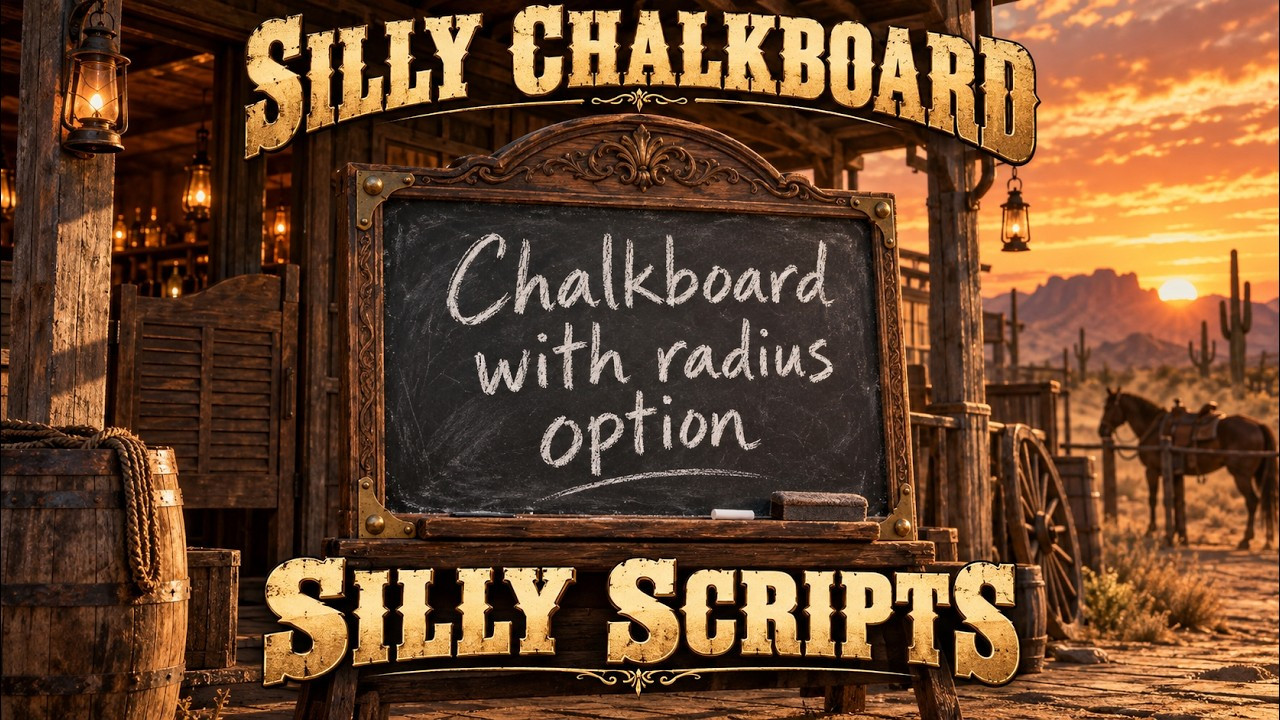

Silly Chalkboard – Chalkboard Messages with Radius (RedM / VORP / RSGCore) 📝
📌 Description
Silly Chalkboard lets your RedM players write a message on a chalkboard and show it to everyone around them. Use the item, type the text, pick the range with a slider and confirm: every player inside the radius gets the decorated board on screen and closes it with Backspace.
Built with a multi-framework bridge for VORP or RSGCore, automatic framework detection and four languages (DE / EN / ES / FR). Item, text, radius and cooldown are checked on the server.
✨ Features
- 📝 Usable chalkboard item that is not consumed.
- 📏 Range slider (1–10 m by default) with a live preview circle around the writer.
- 👥 Nearby players see the board — same routing bucket, distance checked on the server.
- 📚 Message queue — several boards are shown one after another.
- 🚶 Recipients keep control of their character while reading.
- 🖼️ Decorated wooden board UI with your own logo.
- 🛡️ Server validation — item, text length, radius, cooldown and editor session.
- 🌐 Multi-Framework — VORP or RSGCore, auto-detected or selected in the config (RSGCore untested).
- 🌍 Multi-Language — DE / EN / ES / FR, all texts editable in
config.lua. - 📦 Open configuration — only
config.lua(including all texts) is listed inescrow_ignore.
🎮 How It Works
- Use the chalkboard item from your inventory.
- Write the text and choose the range; a circle shows the radius.
- Confirm — the server checks item, text and distance.
- Players inside the radius read the board and close it with Backspace.
🔧 Installation
- Place the
Silly_Chalkboardresource folder containingfxmanifest.luain your server resources. - Create the usable item
Kreidetafel(or changeConfig.Item). - Start the resource after your framework and inventory:
ensure vorp_core
ensure vorp_inventory
ensure Silly_Chalkboard
- Enable OneSync and set framework, language and limits in
config.lua.
📦 Dependencies
| Dependency | Required |
| RedM + OneSync | ✅ — positions are checked on the server |
| VORP Core or RSGCore | ✅ — one framework |
| Matching inventory | ✅ — vorp_inventory or rsg-inventory |
| ox_lib | For RSGCore notifications |
🎬 Video Preview
| Editable files | Only config.lua (listed in escrow_ignore, includes all texts) |
| Subscription-based | See store listing |
| Requirements | RedM + OneSync + VORP or RSGCore (untested) and matching inventory |
| Support | Discord |
